
AI headshot generator
AI headshot generator: studio headshots from a selfie
Upload one clear selfie and describe the headshot you need. Miruvia keeps your face and changes everything around it: a blazer instead of a hoodie, a studio backdrop instead of the kitchen, soft light instead of a ceiling lamp. Ready for LinkedIn, your CV or the team page, from 1 credit per photo.
- From one selfie
- From 1 credit per photo
- Up to 4 takes per run
Selfie in, headshots out
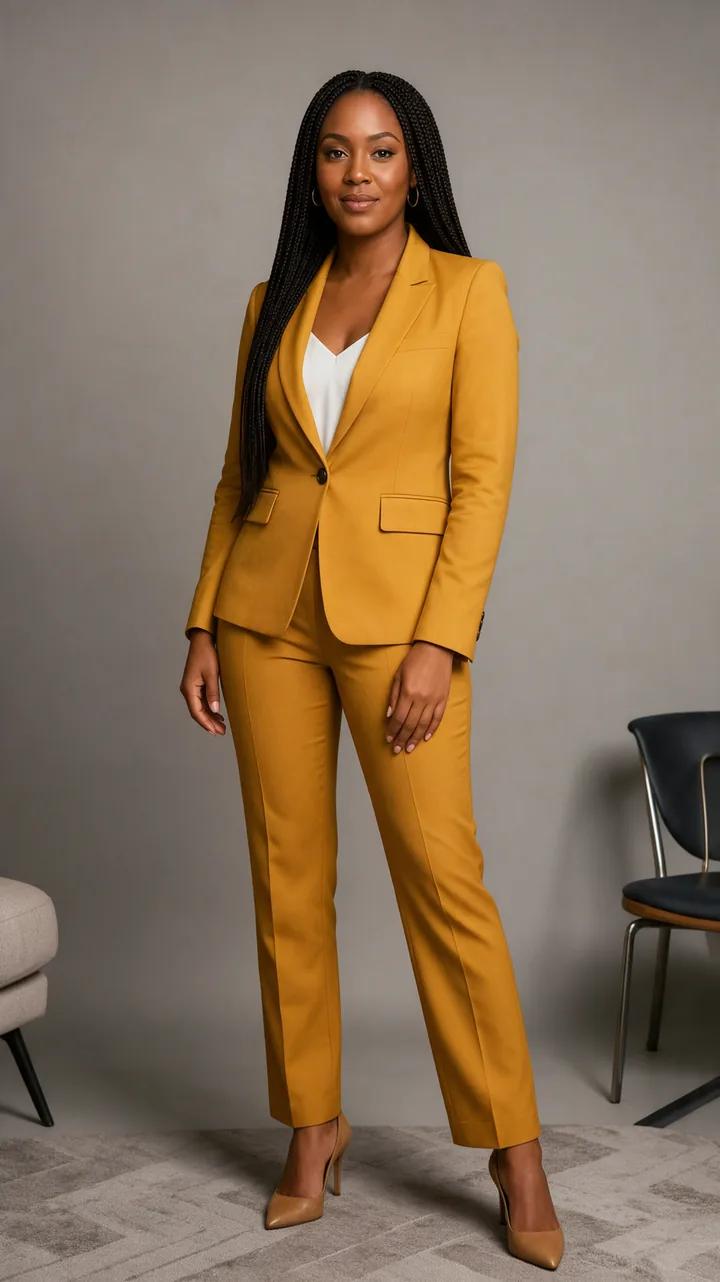
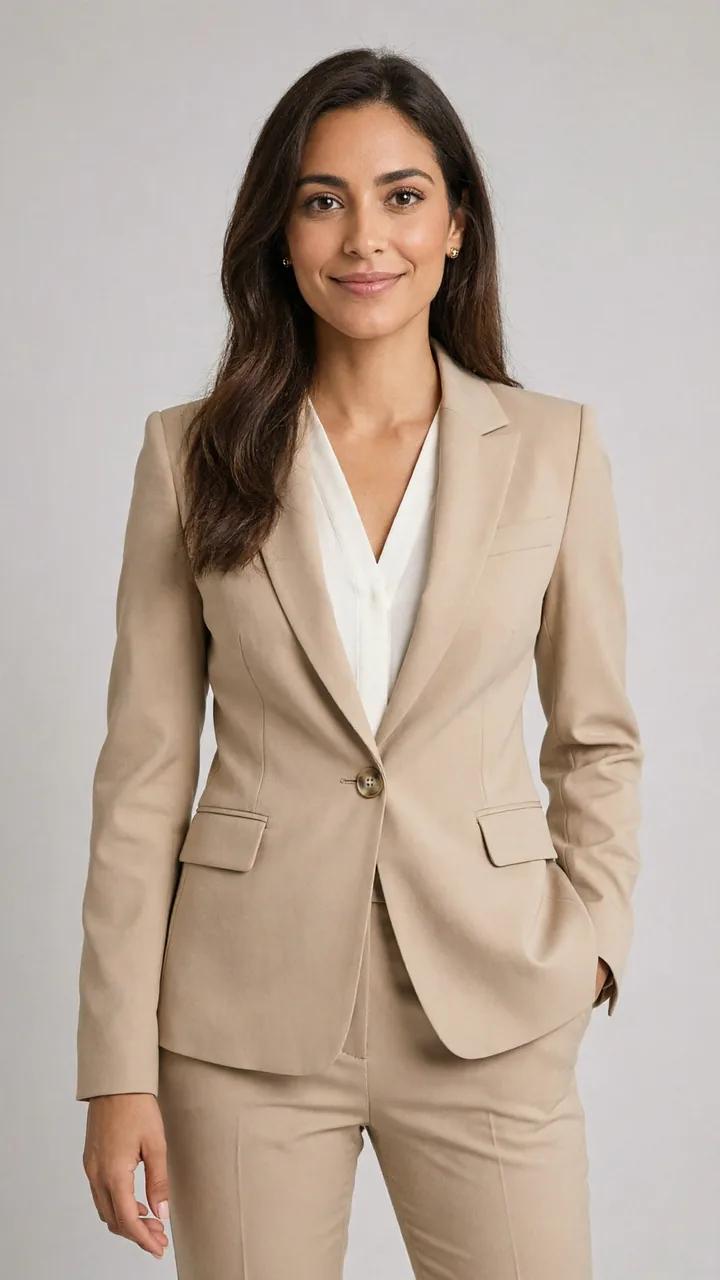
One selfie, three headshots
Each set started as a casual phone selfie. Every headshot was made in the Image Editor from that selfie alone; open one to see the exact prompt and try it on your own photo.
Selfie Corporate · Company website · Outdoor
Selfie Creative studio · Black and white · Team page
Selfie Conference speaker · Actor · Realtor
How it works
How the AI Headshot Generator works
- 01
Take a clear selfie
Face the camera at eye level in soft daylight, without sunglasses or beauty filters. A sharp, front-facing selfie keeps the likeness close.
- 02
Describe the headshot
Name the outfit, the backdrop, the light and the expression, and ask the editor to keep your face, features, skin tone and hair as they are.
- 03
Pick your favorite
Generate one to four takes, compare them with your selfie and download the one that looks most like you, at up to 2K.
Better selfie, better headshot
What makes a good selfie for an AI headshot
- 1
Look straight into the lens
Hold the phone at eye level. A straight-on face gives the editor the most to work with; a tilted chin or a profile shot drifts further from you.
- 2
Find soft, even light
Stand facing a window during the day. Harsh overhead light and strong shadows tend to carry over into the finished headshot.
- 3
Skip filters and sunglasses
Beauty filters, heavy effects and anything covering your eyes make it harder for the result to look like you.
- 4
Wear your hair the way you like it
The prompts on this page ask the editor to keep your hair as it is, so style it the way you want it in the headshot before you take the selfie.
In depth
AI headshots without booking a studio
A headshot is a head-and-shoulders portrait made for professional use: a LinkedIn profile, a CV, a company website, a conference programme or an actor's portfolio. A photographer gets there with a backdrop, a key light and a few dozen frames. An AI headshot generator starts from a photo you already have and redraws the rest.
In Miruvia, that work happens in the Image Editor. You upload a selfie and write what should change and what should stay. A good headshot prompt names the outfit (a navy blazer over a white top), the backdrop (a seamless grey studio wall, a bright office, a quiet street), the light (soft key light from the left) and the expression (a confident, closed-mouth smile), and it asks the editor to keep your face, features, skin tone and hair exactly as they are.
Because each take is a new image, it pays to compare. Generate a few takes, put them next to your selfie and keep the one that is unmistakably you. If something is off, change one detail in the prompt at a time: the outfit, the backdrop or the light. Keep the same wording for the whole team and every headshot on your website will look like it came from the same shoot.
Use AI headshots where a styled portrait is welcome, such as profiles, team pages, speaker bios and social accounts. Passports, visas and other ID documents need an unedited photo of you, so never use an AI headshot there, and check the rules of any platform or employer that asks for a photo.
Only your own face, or one you were asked to use
Make headshots from your own selfie, or from a photo of someone who asked you to. Miruvia is safe-for-work by design, and requests involving nudity or a real person's likeness without consent are blocked and not charged.
- Your selfies and headshots stay private in your Library.
- Never use an AI headshot for a passport or an ID document.
- Making headshots for a team? Get each person's own selfie and their consent.
Questions, answered
AI Headshot Generator FAQ
You upload a selfie and describe the headshot: outfit, backdrop, light and expression. The Image Editor keeps your face and redraws everything else, and you get one to four takes per run.
In the Image Editor, Vivid costs 1 credit per take, Sharp 2, and Vivid Pro 2 at 1K or 3 at 2K. The headshots on this page were made with Vivid Pro at 2K. Credits come in one-time packs from $19 and never expire.
A clear, front-facing selfie and a prompt that asks to keep your face, features, skin tone and hair keep the likeness close. Compare each take with your selfie and keep the one that looks most like you.
Many people use AI headshots for professional profiles, CVs and team pages. Check the rules of the platform or employer you send it to, and never use one for a passport or ID document.
Yes. Ask each person for their own selfie and their consent, then use the same outfit, backdrop and light in every prompt so the whole team page looks like one shoot.
Yes. Your uploads and generations are private to your account and saved in your Library, ready to download.
Your next headshot is one selfie away
Upload a selfie, describe the look, and download your favorite take in a few minutes.