
AI carousel generator
AI image variations that keep your subject consistent
Upload one photo of a person, product, pet or character, and Remix turns it into a coherent set of 2 to 10 fresh takes: new angles, poses, framings and looks of the same subject. Use it as an AI carousel generator for posts, listings and lookbooks, with no prompt to write.
- Outputs 2–10 images
- From 2 credits each
- 9:16 · 1:1
What you can do with Remix
Build a carousel from one photo
Turn a single shot into a swipeable set of 2 to 10 images, each with its own angle or framing, ready to post as a carousel.
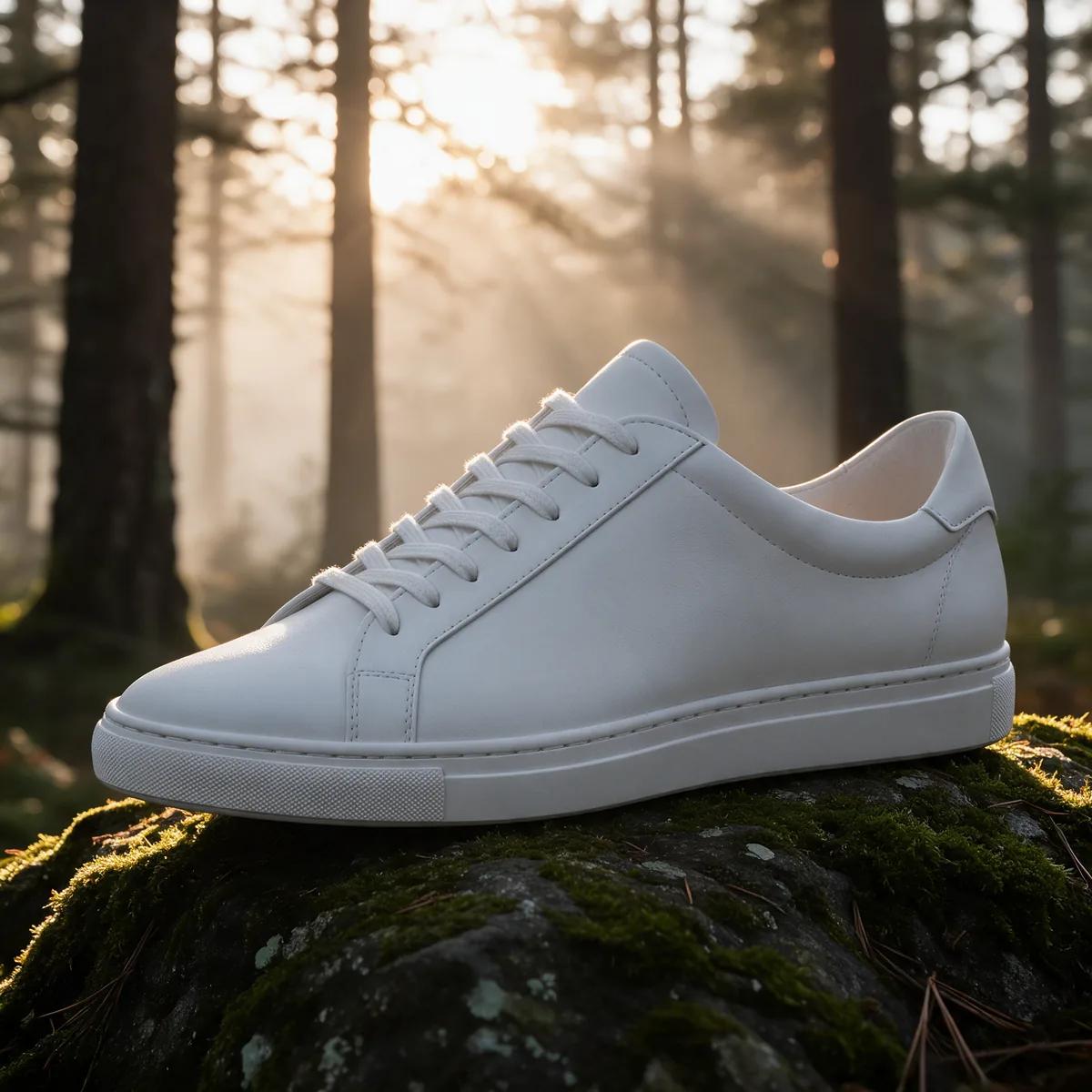
Show products from new angles
Give listings and ads more to look at with fresh angles and framings of the same item, all from one product photo.
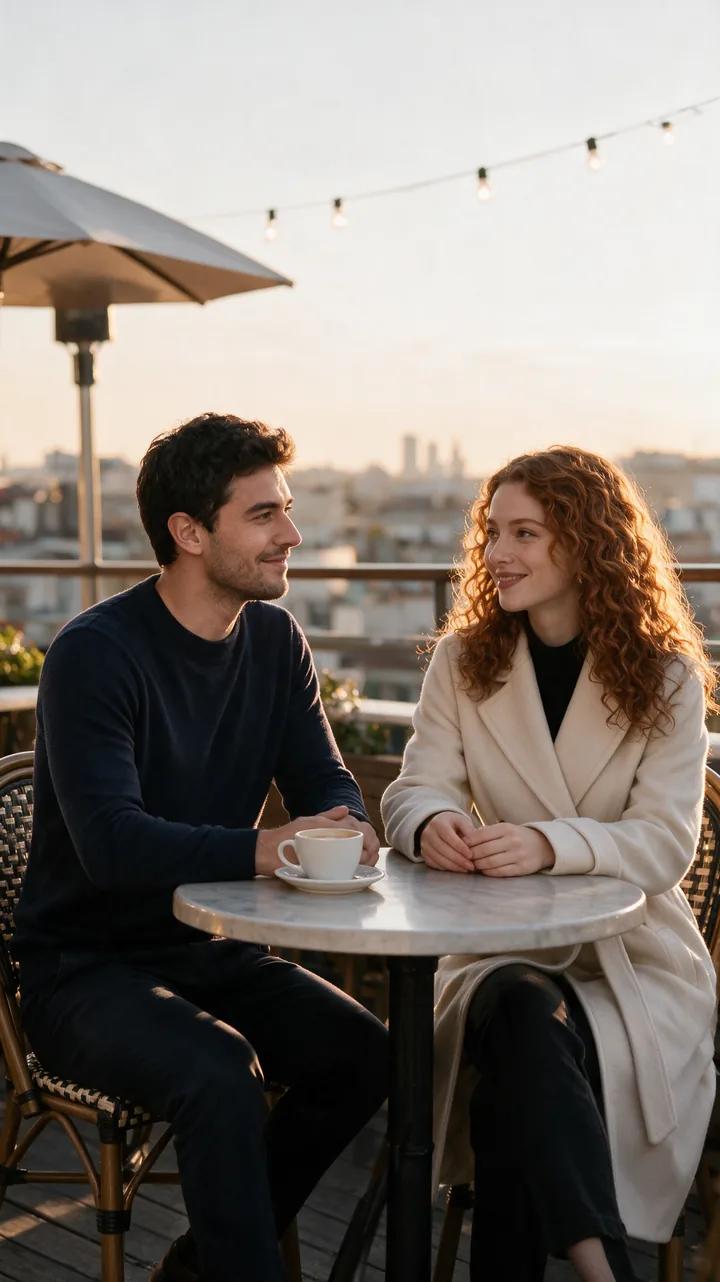
Create lookbooks and character sets
Explore new poses and looks for a person, pet or character while the subject stays consistent across the whole set.
Set the size and quality
Choose 2 to 10 images in 9:16 or 1:1, at 1K for 2 credits or 2K for 3 credits per image.
Refine your favorites
Send any image from the set to Image Editor for a targeted change, or to Image to Video to animate it.
How it works
How Remix works
- 01
Upload one subject photo
Use a clear, well-lit image of a person, product, pet or character, with the subject easy to see.
- 02
Choose your set
Pick how many images you want, the aspect ratio and 1K or 2K. The exact credit cost appears before you generate.
- 03
Generate and pick
Your set lands in your private Library, ready to download, post as a carousel or refine in another tool.
Example
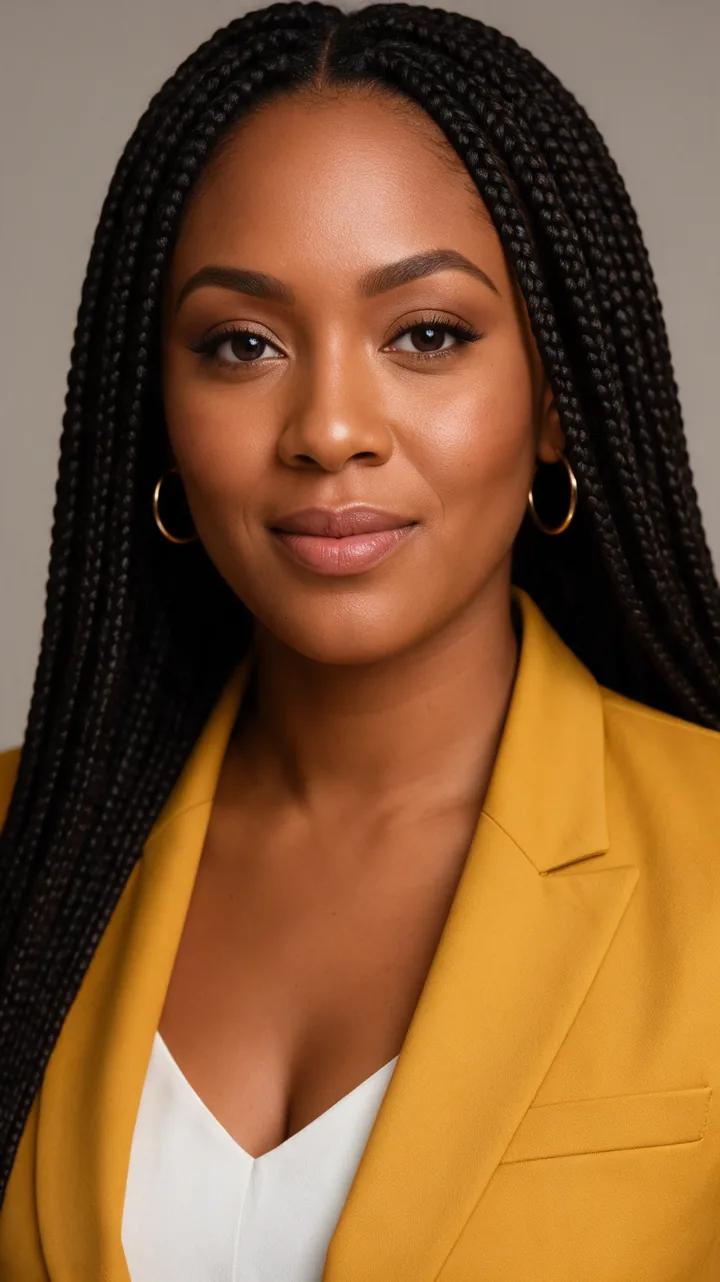
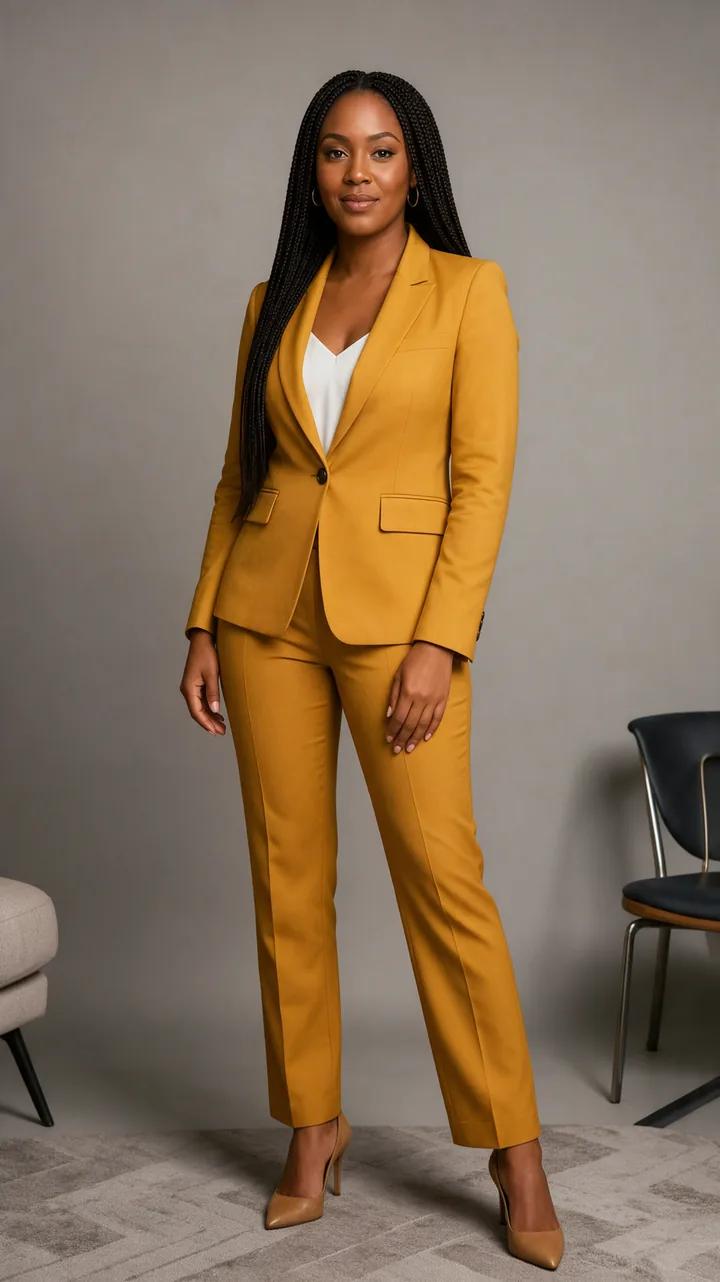
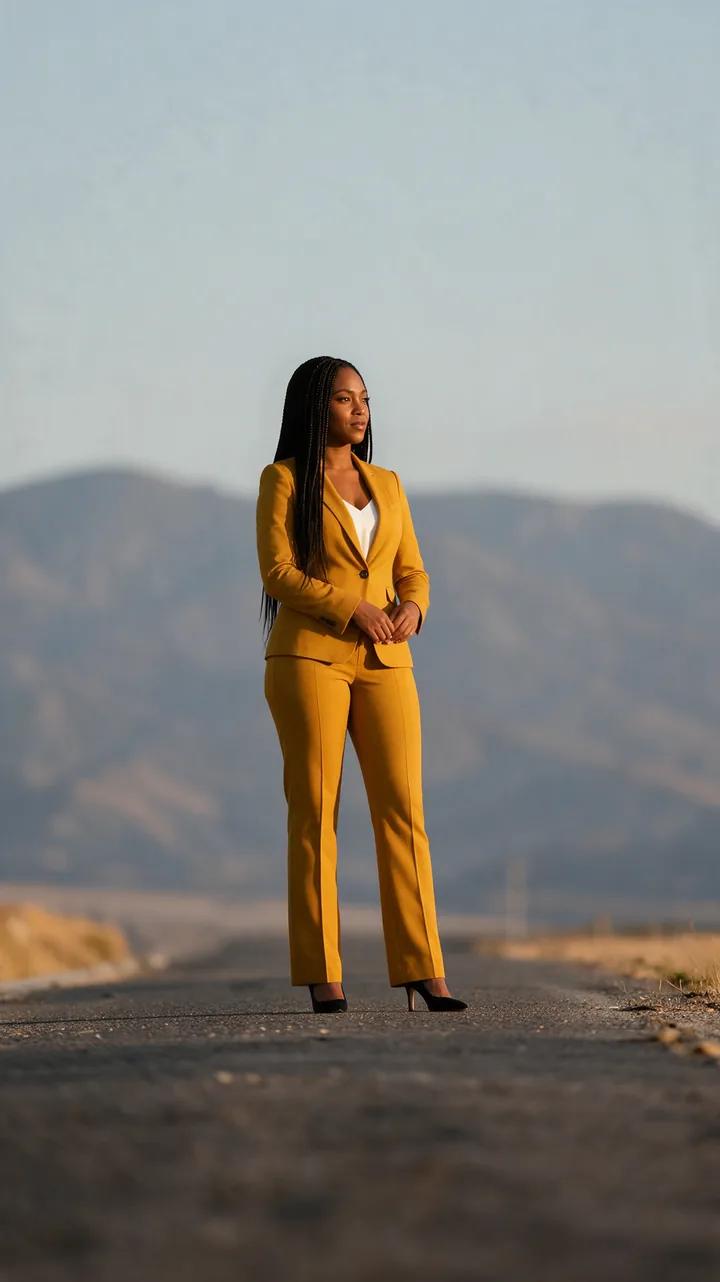
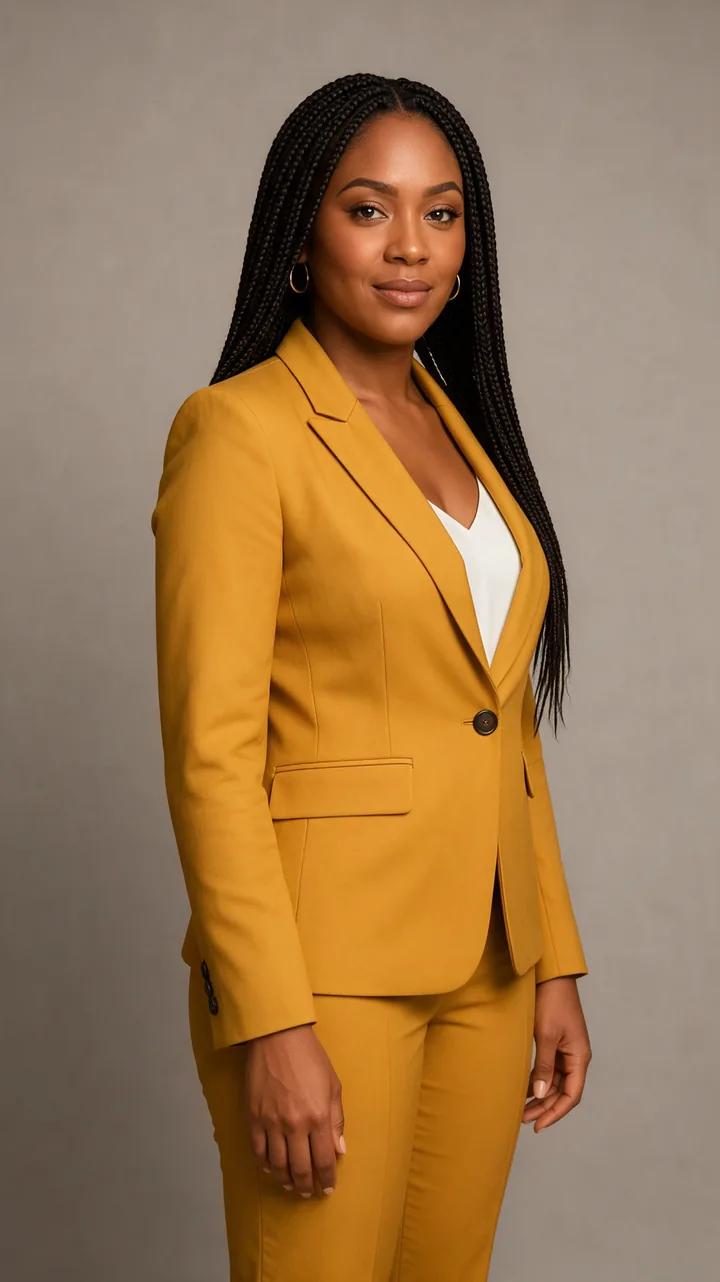
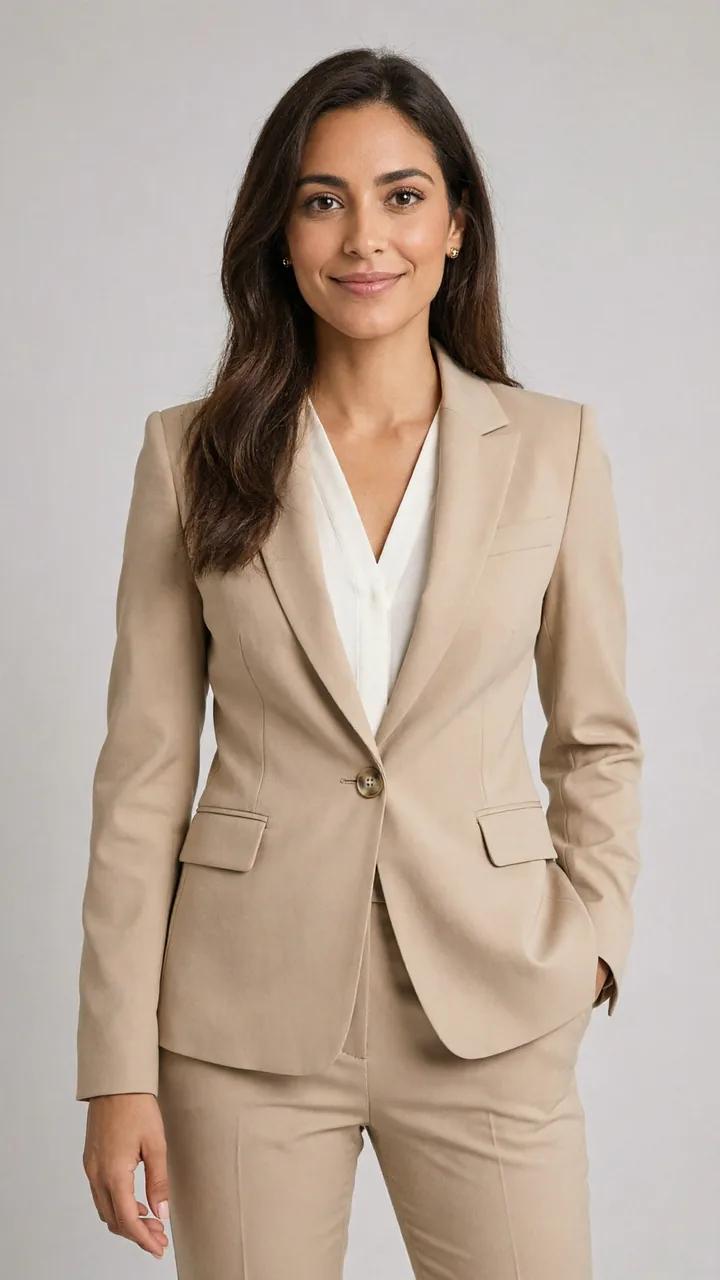
One portrait, a full carousel
Start from a single studio portrait and get new angles, poses and framings of the same person. It is an easy way to fill a personal-brand carousel without a second shoot.

Popular uses
Made for one job
Questions, answered
Remix FAQ
Each run creates a set of 2 to 10 images from a single subject photo. Run it again whenever you want a fresh batch with new angles and looks.
Each image costs 2 credits at 1K or 3 credits at 2K, so a four-image set at 1K is 8 credits. The exact total shows before you generate.
No. Upload the subject photo, choose the number of images and the format, then generate. Remix picks the new angles, poses and framings for you.
Remix is built to keep the subject consistent across the set. A sharp, well-lit photo with the subject fully visible gives the most consistent results.
Choose 1:1 for classic square carousel posts or 9:16 for stories and other full-screen formats.
Yes. You can use your creations commercially as long as you have the rights to the photo you upload and follow the Terms.
Get a whole set from a single shot
Upload one photo and let Miruvia create a consistent set of angles, poses and looks for your next carousel, listing or lookbook, from 2 credits per image.