
AI photo shoot
AI photoshoot from one selfie, no studio required
Upload a clear photo of your face, add a reference for the outfit, body or pose, and describe the scene. Miruvia combines them into styled, studio-grade photos for headshots, lookbooks, profile pictures and editorial shoots. Each photo costs 3 credits, with no subscription.
- Outputs image
- 3 credits per photo
- 9:16 · 1:1
What you can do with AI Photoshoot
Create professional headshots
Get polished headshots for work profiles, resumes and team pages without booking a photographer.
Shoot lookbooks and outfit photos
Show how an outfit looks in a styled setting by pairing your face photo with an outfit or pose reference.
Refresh your profile photos
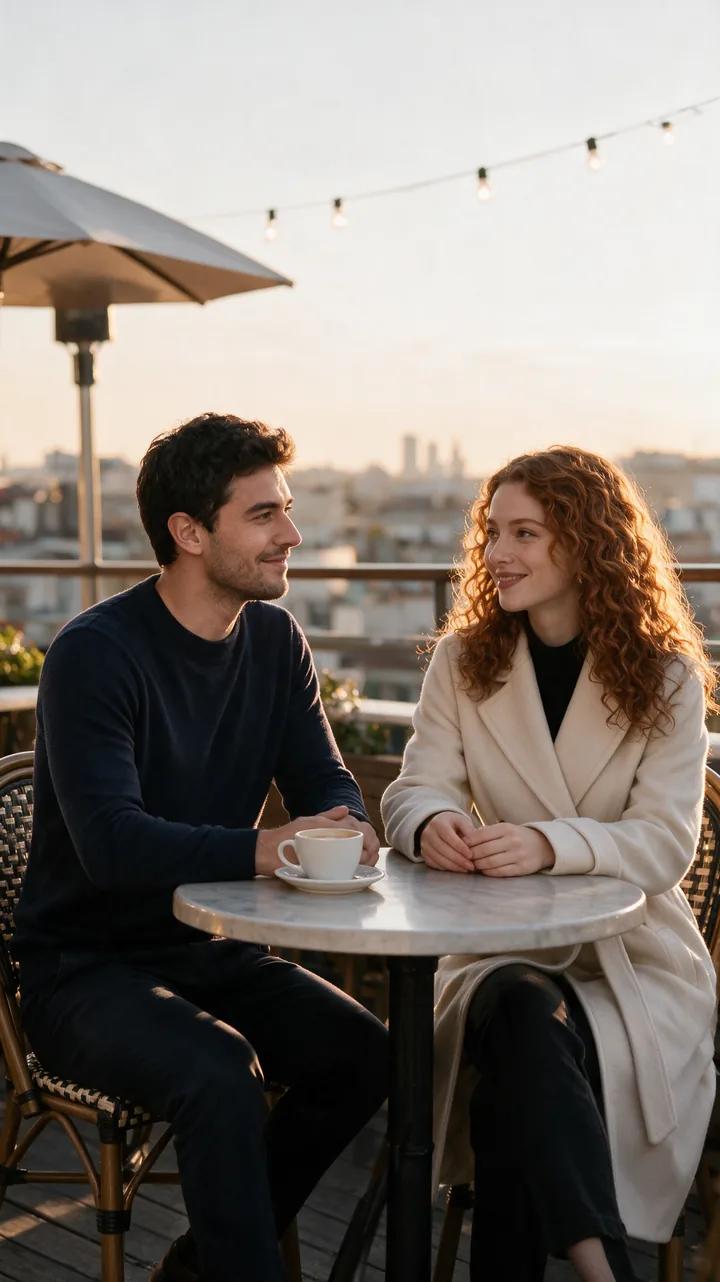
Give your social profiles or creator page a new picture with flattering light and a setting that suits your style.
Style an editorial shoot
Describe the mood, wardrobe and lighting of a magazine-style shoot and get photos styled to match your description.
Choose the frame and count
Generate 1 to 4 photos per run in 9:16 for stories or 1:1 for profiles and feeds. Send a favorite to Image Editor or Image to Video to keep going.
How it works
How AI Photoshoot works
- 01
Add your face photo
Upload a clear, well-lit photo of your own face, or one you have permission to use.
- 02
Add an outfit or pose reference
Upload an image that shows the outfit, body or pose you want to match.
- 03
Describe the scene and generate
Write the setting, styling and light, choose how many photos you want and find them in your private Library.
Example
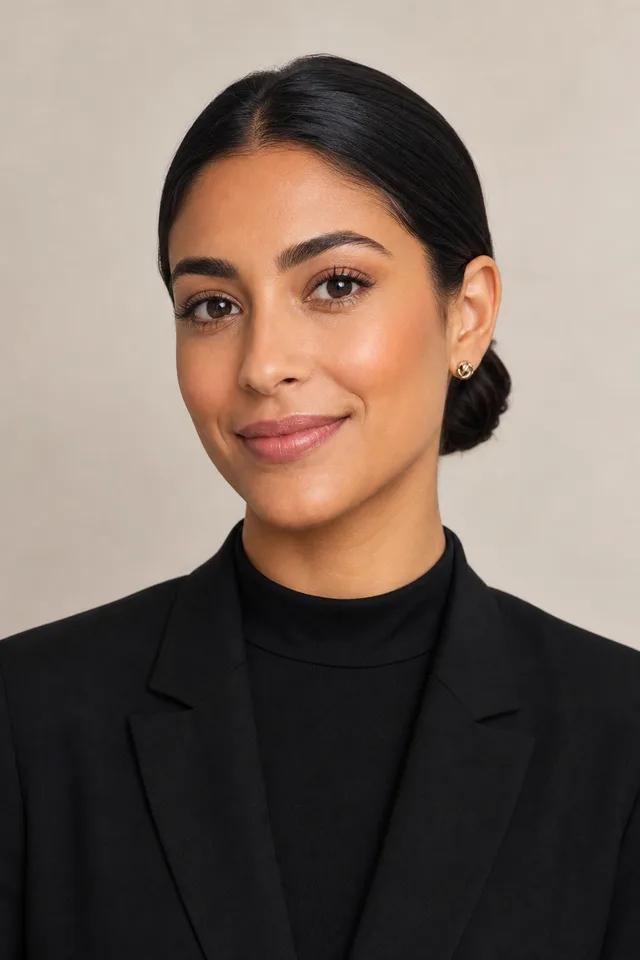
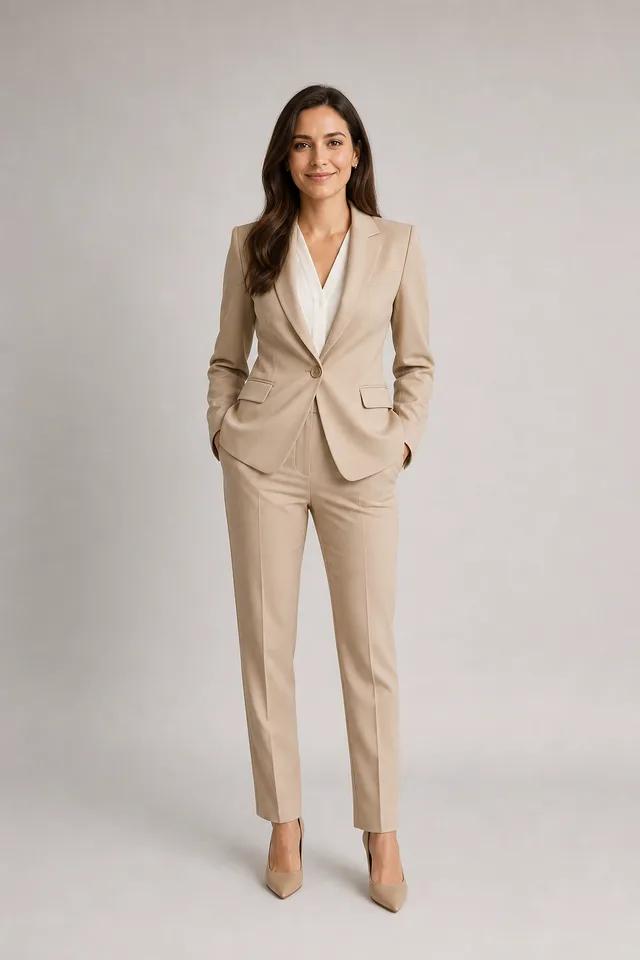
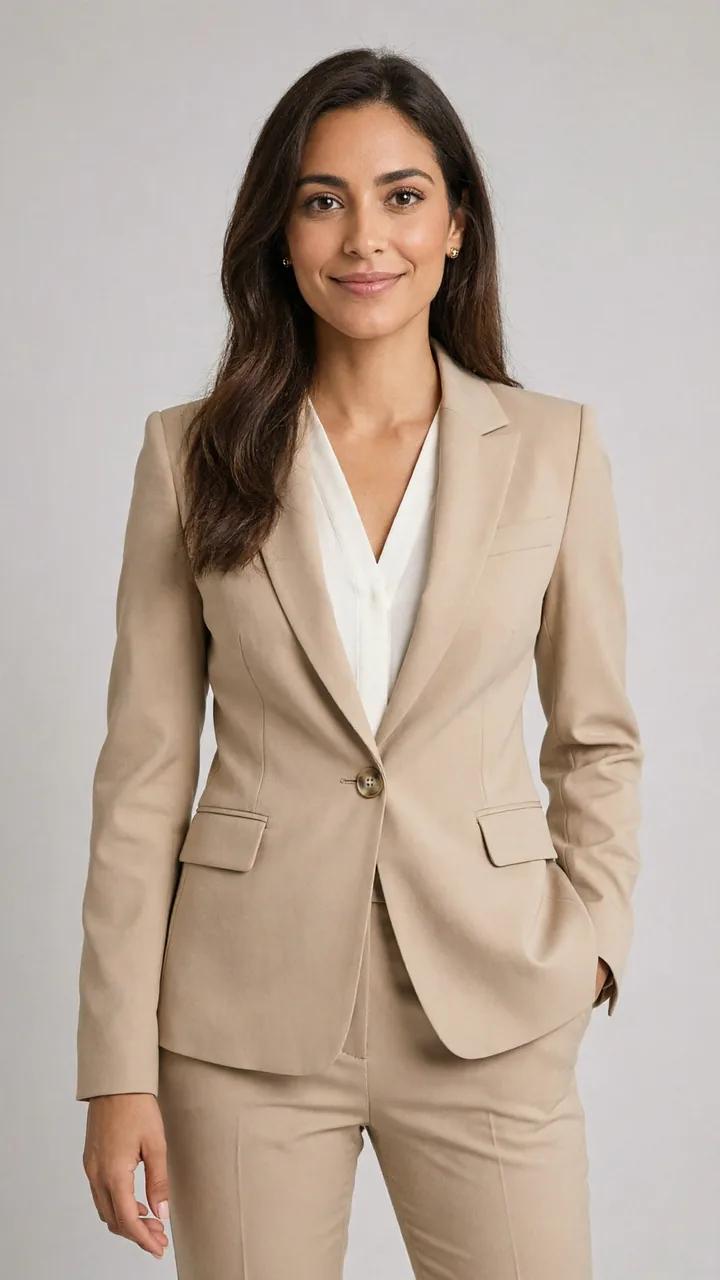
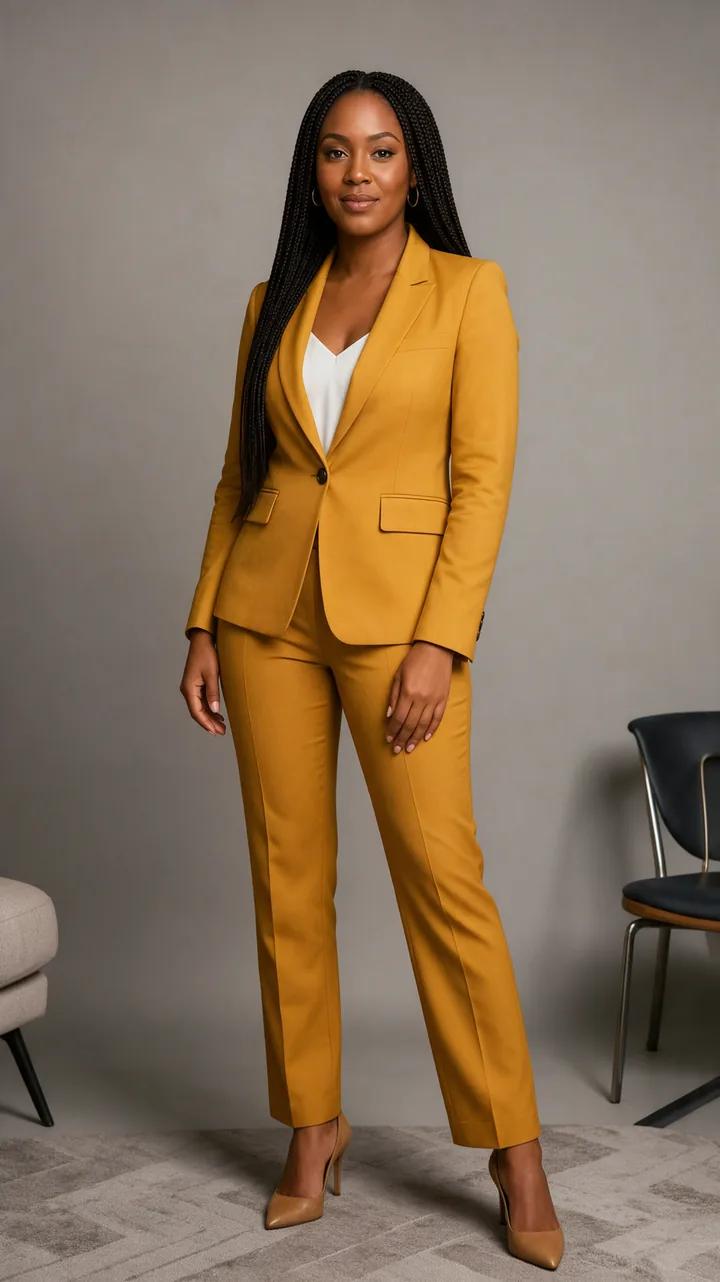
An editorial look for a personal brand
Pair a clear face photo with an outfit reference and describe the shot in one line. It is a simple way to test a look for a portfolio, a press kit or a new profile picture.
Example prompt
“A professional editorial photoshoot in a tailored beige trouser suit, soft studio lighting, waist-up.”
Popular uses
Made for one job
Questions, answered
AI Photoshoot FAQ
You upload a clear face photo and a reference for the outfit, body or pose, then describe the scene. The tool combines them into 1 to 4 styled, studio-grade photos in 9:16 or 1:1.
Each photo costs 3 credits, so a set of four is 12 credits. Credits come in one-time packs from $19, never expire and work across every tool.
Use a sharp, evenly lit photo where your face is clearly visible, without sunglasses or heavy filters. Looking toward the camera usually gives the most natural results.
Only if they have given you permission. Miruvia is safe-for-work by design, with automated safety checks, and blocked requests are not charged.
Yes. You can use your creations commercially as long as you have the rights to the photos you upload and follow the Terms.
Yes. Your generations are private to your account and saved in your Library, ready to download.
Your next profile photo starts with a selfie
Add a face photo and an outfit reference, describe the scene and get up to four styled photos per run, with no studio and no subscription.