
Miruvia Images
AI image generator for extraordinary visuals.
Describe an idea, edit a photo or start from a reference — Miruvia turns it into a finished, high-resolution image in seconds.
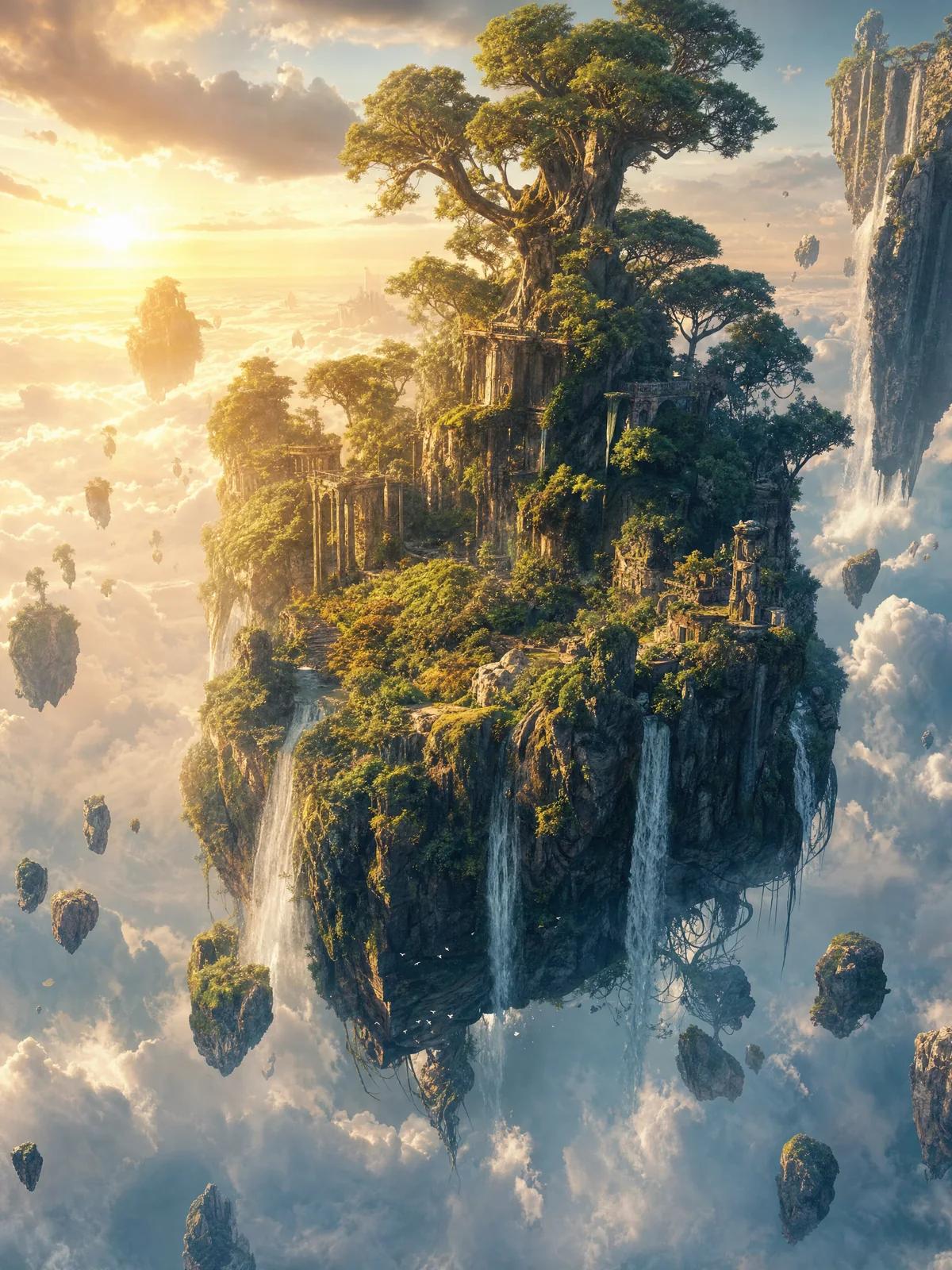
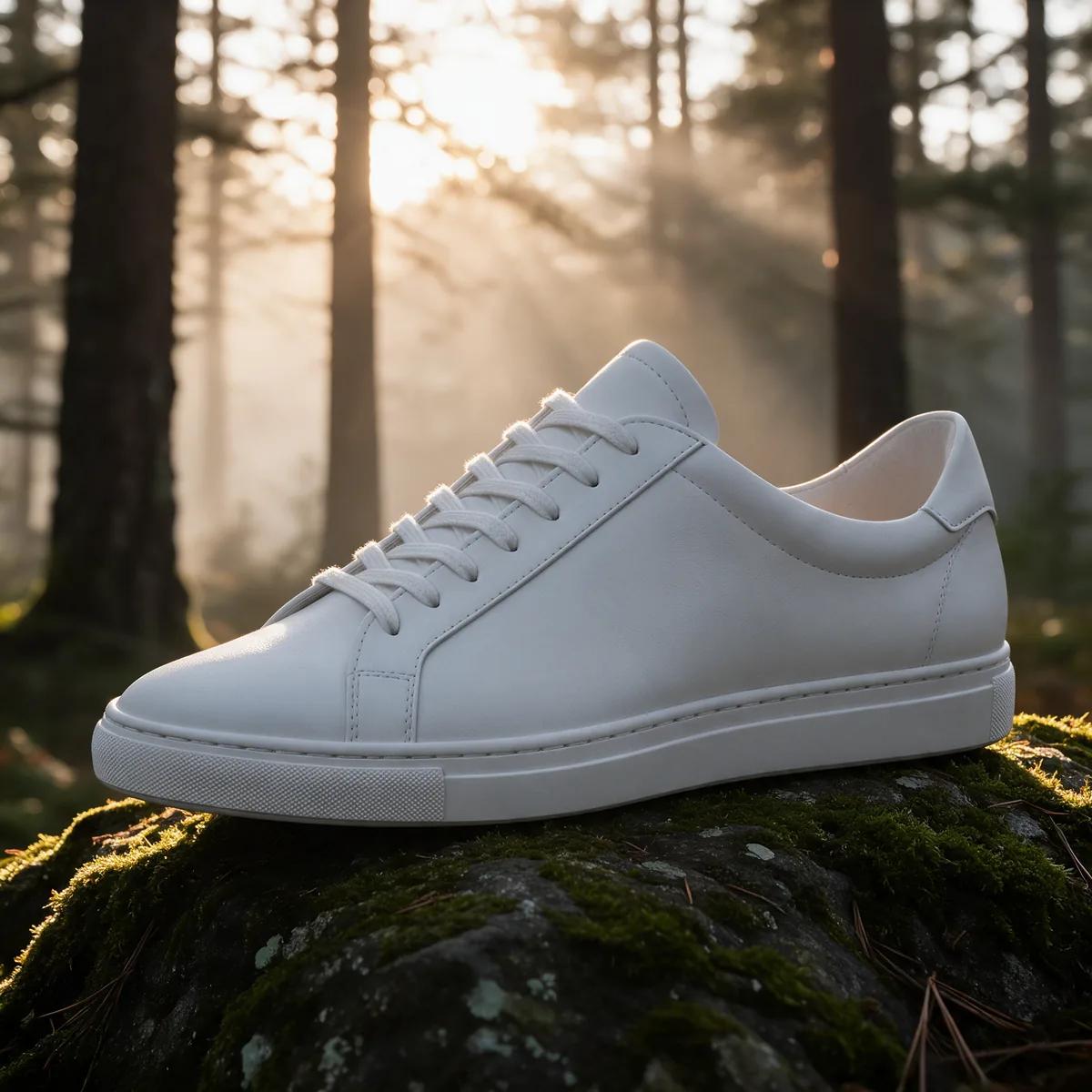
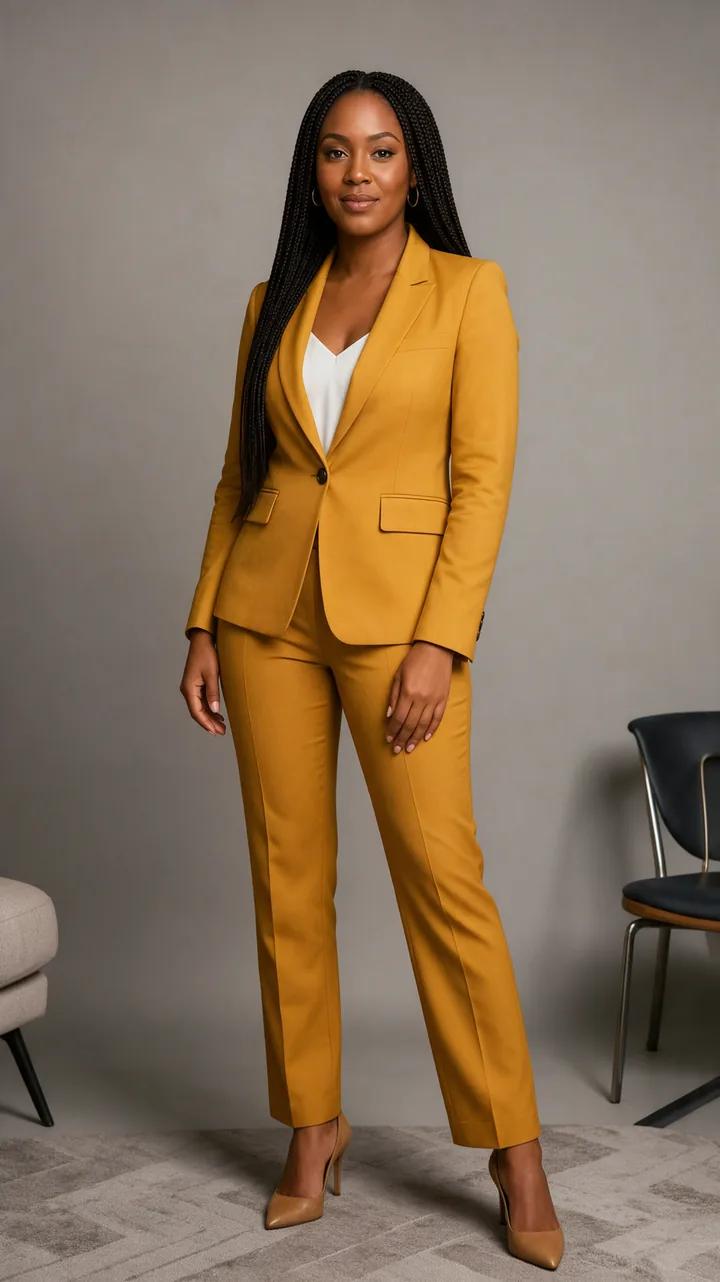
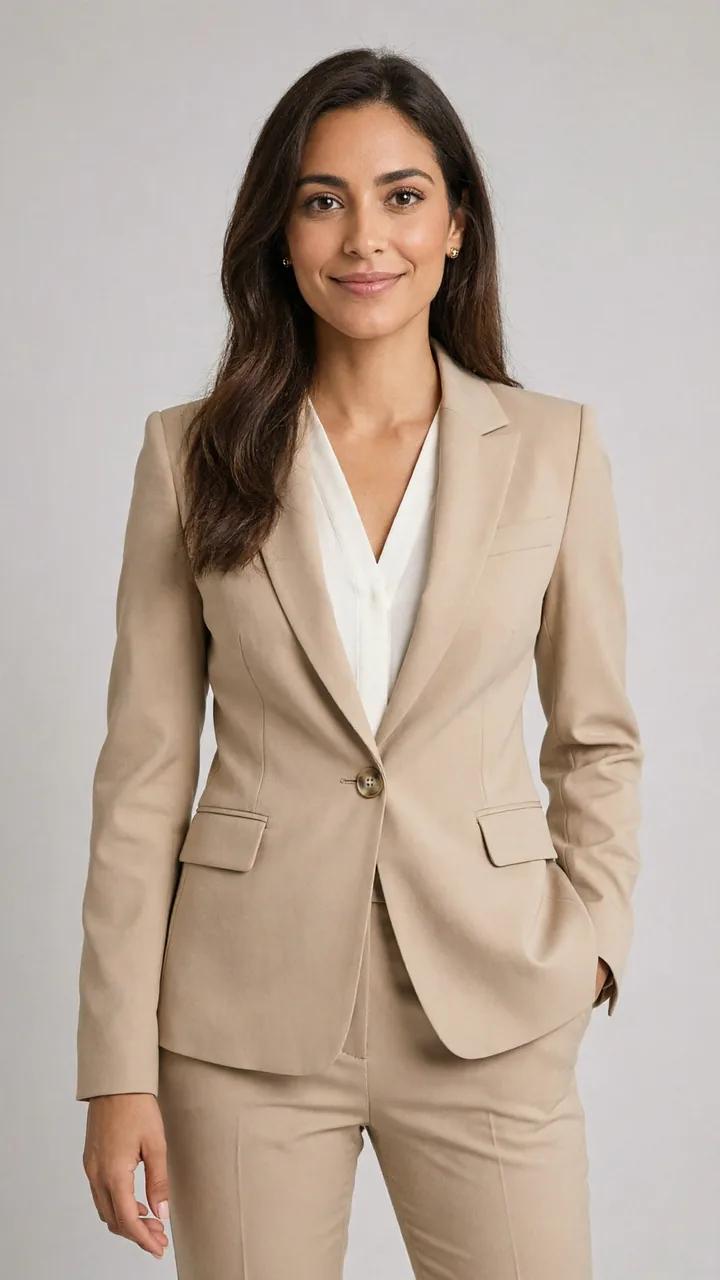

Popular uses
Made for one job
Made with Miruvia
From a single sentence to a finished image.
How it works
Three steps from idea to image.
- 01
Describe or upload
Write what you want to see, or upload a photo to edit, remix or restage.
- 02
Choose the look
Pick an engine, an aspect ratio, a resolution and how many images to make.
- 03
Generate and refine
Download your favourite, edit it further, or send it to video in one click.
Why Miruvia
Built for images that look finished.
Three engines, one prompt
Vivid for bold ideas, Vivid Pro for cinematic detail, Sharp for clean text and graphics.
Any shape you need
9:16, 1:1 and 16:9 everywhere — and 15 aspect ratios with Vivid Pro.
1K or 2K output
Render a quick draft or a crisp 2K image ready for print and big screens.
Up to four at once
Generate several takes in one run and keep the one that fits.
Edit with words
Swap a background, change an outfit or relight a scene by describing the change.
Safe for work, by design
Automated safety checks keep every creation brand-safe and appropriate.
Questions, answered
Frequently asked questions
Type a description, choose an engine and an aspect ratio, and press Generate. Miruvia renders the image in seconds and saves it to your private library.
A Vivid image costs 1 credit. Vivid Pro costs 2 credits at 1K or 3 at 2K, and Sharp costs 2. The exact cost is shown before you generate.
Yes. Upload a photo to the Image Editor and describe the change — a new background, a different colour, an added or removed object.
Yes, as long as you have the rights to anything you upload and follow our Terms and Content Policy.
Every image tool supports 9:16, 1:1 or 16:9, and Vivid Pro unlocks 15 ratios from 1:3 to 21:9.
Yes. Your generations are stored in your own library and are not shown publicly unless you choose to share them.
Your next image is one sentence away.
Open the Studio and turn an idea into a finished visual.