
AI duo photo
Put two people in one photo with AI
Upload Subject A and Subject B, add a location if you like, and Miruvia's Duo Scene places both in one believable shot. Use it for creator collabs, photos with friends or a partner, brand pairings and mascot moments. Results land in your private Library, ready to download or bring to life in Image to Video.
- Outputs image
- From 2 credits
- 9:16 · 1:1 · 16:9
What you can do with Duo Scene
Create collabs from anywhere
Put yourself next to a collaborator in one shared scene for a joint announcement or post, even when you live in different cities.
Make photos with friends and partners
Create a shared moment with a friend or partner, like a café table or a city walk, from two separate photos.
Pair brands, mascots and characters
Place a mascot or character next to a person for campaigns, launch posts and playful brand content.
Choose the location
Upload an optional background image to set where the scene happens, or describe the setting in your prompt.
Pick format, count and resolution
Get 1 to 4 images per run in 9:16, 1:1 or 16:9, at 2 credits per image in 1K or 3 credits in 2K.
How it works
How Duo Scene works
- 01
Upload two subjects
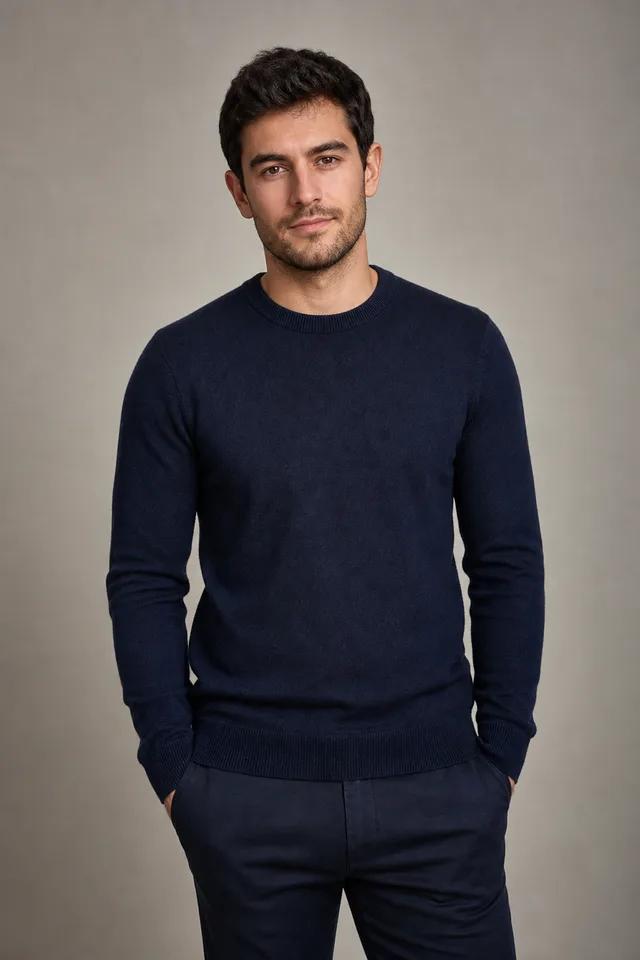
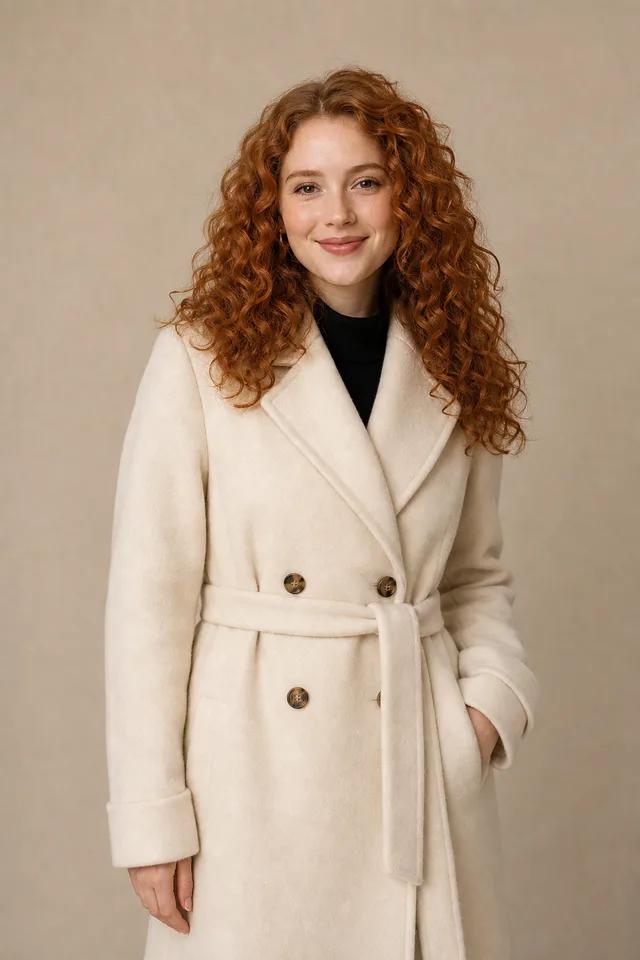
Add a clear photo for Subject A and another for Subject B.
- 02
Set the scene
Optionally add a location image and a short prompt about how the two interact, where they are and the mood.
- 03
Generate and download
Choose the format and how many images you want, check the credit cost and find the results in your private Library.
Example
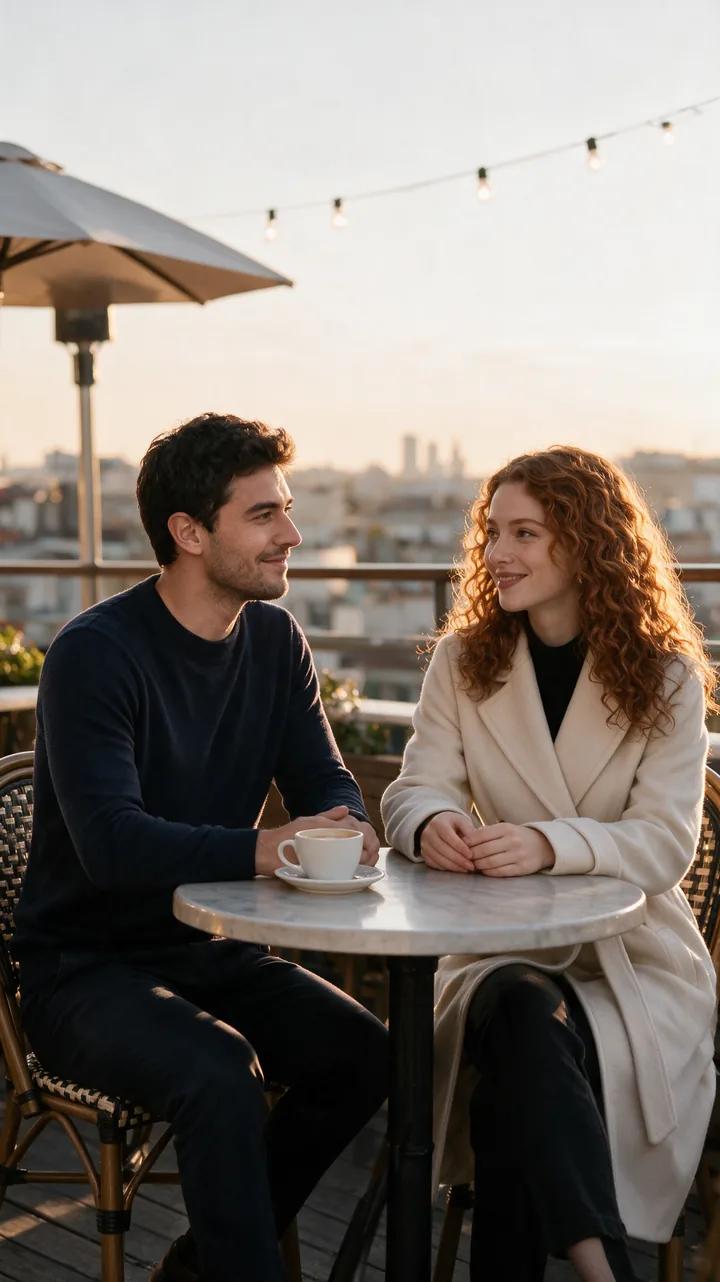
A collab announcement photo
Two creators, two separate photos, one shared scene. A single line of direction sets the place, the light and the mood for a joint post.
Example prompt
“Put both of them together at a rooftop café at golden hour — a candid, natural moment.”
Questions, answered
Duo Scene FAQ
Upload a photo of each person as Subject A and Subject B, optionally add a location image and a prompt, then generate. Duo Scene combines both into one shared shot.
Each image costs 2 credits at 1K or 3 credits at 2K, and you can create 1 to 4 per run. The exact cost shows before you generate, and credits never expire.
No, the location image is optional. Without one, describe the setting in your prompt, such as a beach at sunset or a busy city street.
Use sharp, well-lit photos where each subject is clearly visible. Similar lighting in both photos helps the final scene look natural.
No. Only use photos of yourself or of people who have agreed to be featured. Miruvia is safe-for-work by design, and blocked requests are not charged.
Yes, as long as you have the rights to both subject photos and any location image, and you follow the Terms.
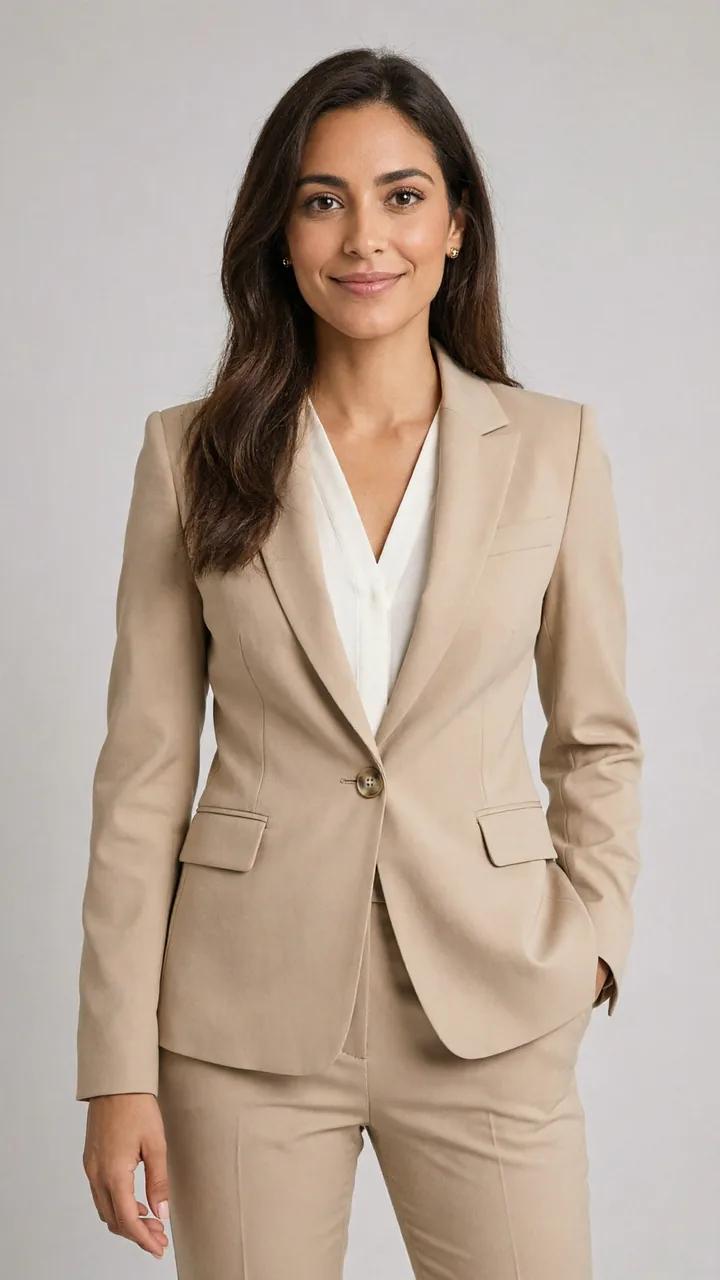
Bring two subjects together in one shot
Upload two photos, set the scene and get an image ready to post. No subscription, just credits you use when you need them.